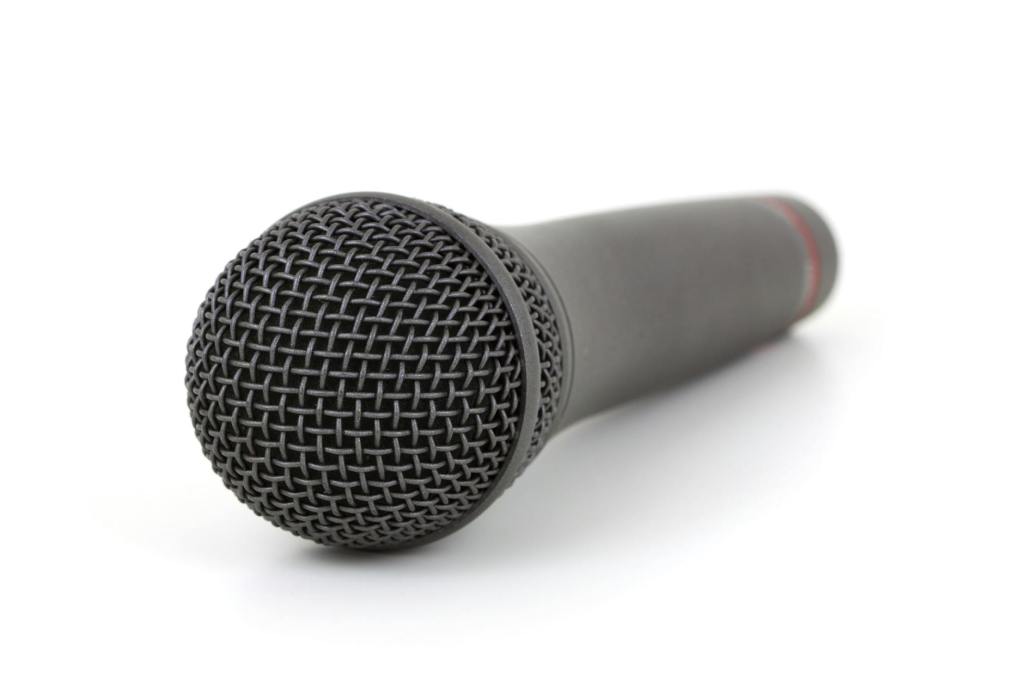
Have you ever said this? If you have, I want you to rethink. You probably think you’re a decent person (and you probably are!), but you are being rude by saying this. Huh, you might ask?
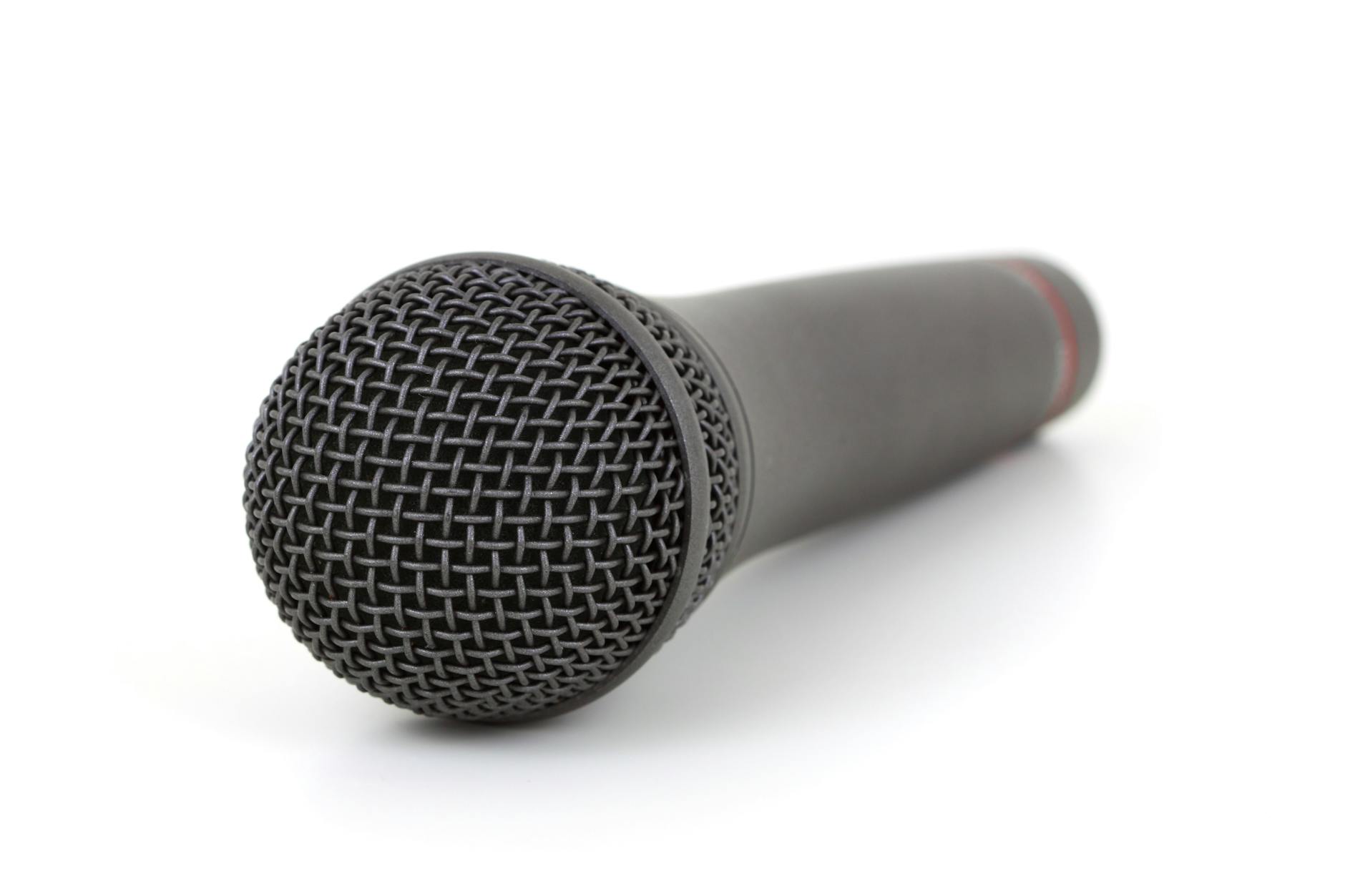
Why am I being asked to use a microphone?
You probably don’t know why you are being asked to use a microphone. But you don’t know it yet.
Sure, you know that sometimes microphones are used because some people talk softly and can’t be heard in a big room. But you know how to project your voice, and can fill the entire space with your voice, easily! So, clearly you don’t need it, right? It’ll save everyone time if instead of making that poor runner carry a microphone to you, if you just talk loud enough to be heard! You’re being considerate, not rude!
This is the root of the problem. You don’t have context. There are other possible reasons to need to use a microphone:
- If the event is being recorded, if you don’t use a microphone, there will probably be an awkward silence on the recording, followed possibly by someone else who is responding to a question nobody watching the recording heard. This means it’s either going to be annoying for viewers of the recording, or the video people are going to have to have to edit the video manually to remove the question and answer. But doing that may make further questions and answers make no sense, so they might need to remove them, too!
- If the event has remote attendees, similar to a recording, they can’t participate fully if the space requires microphones to pick up some (or all) people. Basically, anywhere with remote attendees where there is a microphone is a space where a microphone is required.
- An event may be doing captioning. Sometimes it is open captioning, which you can see on a large screen near the front, but sometimes it’s closed captioning which some attendees may be viewing on their phones or other devices. You might not know this is happening, because it’s often silent. One way to save substantial money on human-generated captioning is to allow remote captioning. But that means that even if the event is an in-person event, the captioner might be on the other side of the planet, and there will need to be a microphone for the captioner to hear the speaker Without that, the caption users will not be able to have captions for your, admittedly, loud voice!
- Similarly, some events do translations, whether to other spoken languages or to a sign language. These interpreters have the same listening needs as captioners, and in some cases may also be located remotely.
- Do you know what an inductive loop, FM system, or similar is, in the context of a meeting or event space? One may be in use, and it’s going to need you to use a microphone for it to work. If you don’t know what this is, it’s a device that transmits sound for reception by hearing-aid users or people using special assistive listening devices. You can’t visibly see all hearing-aids, and hearing-aid users often may check if a space has a loop, and, if so, not bother to make an accessibility request: they just assume that they’ll hear what everyone else does, but that only happens if people use a microphone.
I’m sure there are other reasons, too, but these were the first few I came up with. Many of these won’t have any visible evidence in the room. These technologies allow people who, unlike you, can’t be in the room and/or can’t hear normally, to participate in the event or meeting. In the case of disability, there may be no obvious signs that someone is disabled and using these technologies.
Okay, I get it…but you said I was “rude”.
Yes, I did. Unintentional rudeness is a thing! For instance, as a tourist, you might not realize a common gesture that is perfectly acceptable in your culture is very rude in another culture. Once you learn that, unless you’re an asshole, you stop using a rude gesture. You don’t want to be rude, after all! I’m not using the word “rude” to judge you. I suspect we’ve all done plenty of rude things accidentally. That doesn’t make us bad people. However, you’re not just unintentionally rude, you’re an asshole if you continue to do the rude thing after you know a bit more. You now know a bit more!
When someone says they don’t need a microphone, the assumption that isn’t spoken is that you know why a microphone is needed, and you know that doesn’t apply to you. The meeting or event organizers however may know there is a Deaf person attending, or they may know that this session has remote attendees who can’t hear no matter how loud you are if you don’t use a microphone. But you’re assuming that you have all the context that the person asking you to use the microphone has. Sure, that person can then explain the context to you, and you’ll almost certainly then understand, but remember you were trying to save time by not making someone take a microphone to you? You’ve now hijacked a meeting or event and taken up space talking about something nobody at the event was there to hear–it almost certainly has nothing to do with the meeting/event’s main topic! Beyond that, you’ve reminded disabled and remote attendees that they aren’t first-class citizens in this event, and are out-of-mind for some other attendees.
The solution is simple: If someone asks you to use a microphone, simply thank them for the reminder, wait if needed for the microphone to get to you, and accept the microphone graciously. You’ll look like a pro if you do that!
Bonus Tips: Be a Pro with a Microphone!
Do you want to look like a confident, knowledgeable person, who is not out of their element in a meeting or event where microphones are used? Here’s a few tips to help people focus on what you say, not how you say it:
- Don’t turn the microphone on or off unless asked to. This is especially true if there is a sound engineer at a mixer at the event–they almost certainly will prefer to mute and unmute microphones, rather than have you do it, because they can prevent a “pop” on the recording or coming through the speakers if they do it, rather than you. Unless it is obvious it isn’t the case, assume that any microphone handed to you is already turned on. See the next point…
- Don’t tap or blow! When you tap or blow on a microphone, the sound is ugly. That’s why you don’t see professional speakers or national politicians go up to a microphone and tap or blow on it. Instead, just start talking. If you’re not being picked up by the microphone, it’ll be obvious or someone will tell you. In that case, if you need to turn it on, turn it on and start talking again (don’t tap/blow!). But if there is a sound engineer there, if you’re not being heard, it’s probably their end, not the microphone, and they’ll probably signal you with what to do (often it’s just wait for them to find the microphone button on the mixing console and unmute it).
- Hold the microphone close! If the room has a sound engineer, and your voice is too loud, let them lower the voice, don’t pull the microphone away from you. If you pull the microphone away, you may inadvertently make them have to turn up the volume. The further you are from the microphone, the more gain has to be used by the sound engineer, and the more likely the microphone will pick up its’ own sound from the room speakers, creating feedback. You can minimize feedback by letting her manage these levels and holding the microphone close to your mouth.
- Be aware of the space you’re taking up! This is of course true with how much you speak, but it’s also true with physical speech. A sound engineer’s nightmare is seeing someone who is to speak from a stage step down from the stage and walk in front of a speaker. It’s nearly impossible to make the presenter heard at the same time they are walking in front of the speaker, without also picking up feedback. If you’re speaking at an event and you move around, mention it to the sound person to make sure it’s not going to be a problem!
- Point the microphone at your mouth. Most handheld microphones are directional. They pick up sound best when the long axis of the microphone points at your mouth. This is so they don’t pick sound from the speakers and feed back. This also means when you are done talking if you’re in the audience, you should hold the microphone veritcally or pointed away from any speakers.
- Wear non-handheld microphones how the sound person tells you to, and don’t use them as a handheld mic! Handheld microphones don’t like microphones you wear. They often have a different equalization curve, so if you speak directly into a lapel microphone rather than wearing it, as an example, your voice will sound bad.
- Don’t play with microphones, especially assistive listening microphones! Sometimes, a person with a hearing disability may be using an assistive listening microphone. This might be one worn around your neck, a handheld microphone passed around, or a microphone on a table. Most of the above rules still apply to this, but you won’t hear what the microphone is picking up. So don’t tap/blow on these microphones or play with them (when someone grabs my remote mic and starts moving their hand around on it, I can hear all that and it can be very difficult to hear what I want to hear).
While most people aren’t experts with microphones, you’ll look like one if you do all these things! But even if you do these things wrong, simply accepting the microphone will avoid perhaps the biggest microphone rudeness: not accepting one.



 Gendered Thoughts